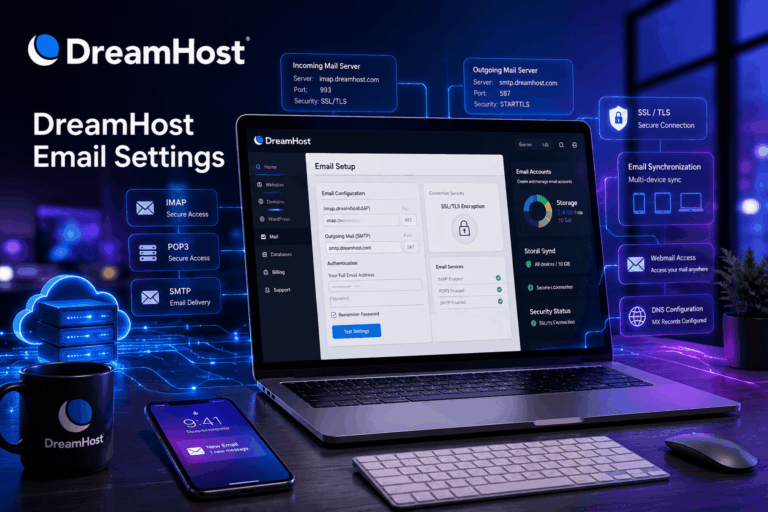
To set up your DreamHost webmail on your Android mobile device using the Gmail app, simply add your DreamHost account as a new IMAP email address. [1, 2]
Follow these steps to Setup DreamHost Email in Android Gmail App
In this article we will learn How to change dreamhost webmail password. If you have web hosting with Dreamhost and want to change password of created email account in Dreamhost webmail or forgot password of your email webmail account then follow below steps.
Setup Dreamhost Email to Outlook is very easy. You can easily setup Dreamhost email on Outlook. After setup Dreamhost email to Outlook you can send, receive and manage your email from your Outlook and also get notification of new mail. Now the question is How to Add Dreamhost Email to Outlook?